Document Automation
Product features
By practice area
By company size
Contract Review
PRODUCT FEATURES
Resources
LearN
Case Studies
Pricing
Clio Draft and Gavel Workflows both automate legal documents. Clio Draft focuses on court forms and drafting workflows inside the Clio ecosystem, while Gavel Workflows gives firms more flexibility to automate templates, intake, and workflows.
Choose Clio Draft if court forms and simple, form-driven drafting are your priority; most firms needing advanced logic, Word and PDF output, client intake, and transparent self-serve pricing land on Gavel Workflows.
Clio Draft

Clio Draft is a legal document automation platform for law firms using Clio. It includes document automation, court forms, client questionnaires, and eSignature tools, with deep integration into the Clio ecosystem.
Gavel Workflows
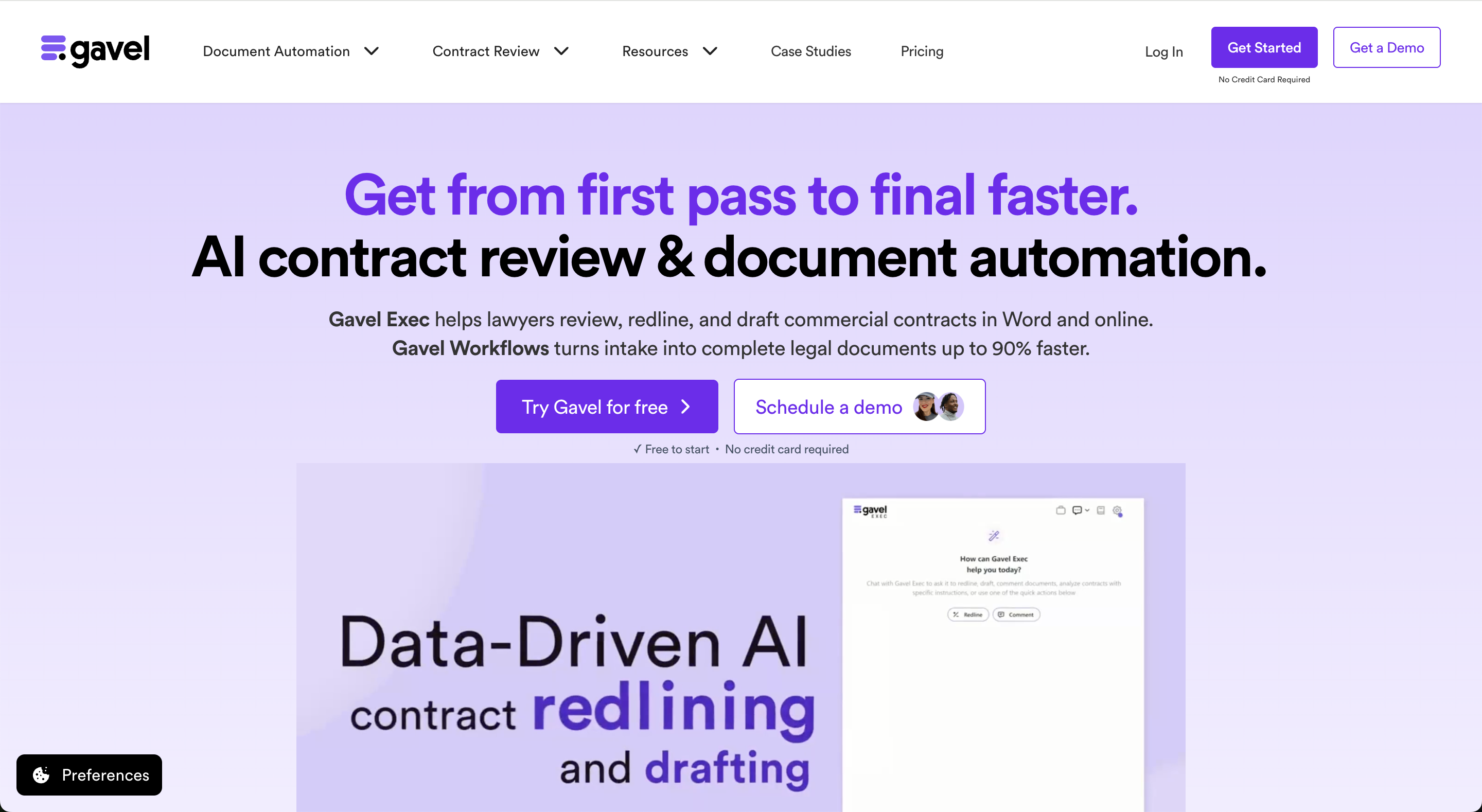
Gavel Workflows is legal document automation software for law firms. It automates Word and PDF documents using client intake, questionnaires, and advanced workflow logic.
Firms can automate their own templates or start with Gavel's attorney-reviewed legal template library. Pricing starts at $83 per month with a free trial available.
law firms should know that it is a legal document automation platform for firms on Clio, with court forms, client questionnaires, conditional-logic document assembly, and eSignature, deeply integrated into the Clio ecosystem. Pricing is not publicly listed and requires contacting sales, and support is 24/7 by phone, email, and chat.
Gavel Workflows is legal document automation software for law firms. It turns client intake answers into finished Word and PDF documents, and combines client intake forms, conditional-logic document generation, a legal template library, e-signature, payments, and workflow automation in one no-code platform, with integrations including Clio. It is self-serve with a free trial and no required implementation engagement. Gavel was founded by CEO Dorna Moini, a former Sidley Austin litigator, to give firms automation they build and maintain themselves.
While both Clio Draft and Gavel Workflows automate legal document drafting, Gavel Workflows offers more flexibility for firms that need Word and PDF output, client-facing intake, and workflow integrations. Pricing starts at $83 per month with a free self-serve trial, while Clio Draft requires contacting sales for pricing information.
| Feature | Clio Draft | Gavel Workflows |
|---|---|---|
| Price | ✗ Pricing not publicly listed | ✓ From $83/mo, no minimum seats |
| Billing | ✗ Not publicly listed | ✓ Monthly or annual, cancel anytime |
| Free Trial | ✗ Contact sales required | ✓ 7-day free trial, no credit card |
| Features | ✓ If/then logic, Word only | ✓ Word + PDF document automation |
| Templates | ✓ Court forms | ✓ Legal template library (Pro), custom templates |
| Output | ✓ Word automation only | ✓ Word and PDF automation |
| Support | ✓ 24/7 phone, email, chat | ✓ Email, phone, screen share; priority support (Pro) |
Both Clio Draft and Gavel Workflows automate legal document drafting. Gavel Workflows supports both Word and PDF output, while Clio Draft is limited to Word. Clio Draft's strongest differentiator is its library of court forms across all 50 states.
Gavel Workflows supports advanced logic, calculations, and repeating data structures for more complex documents. Clio Draft is better suited to simpler form-based workflows.
Both platforms integrate with Clio Manage. Gavel Workflows also includes a dedicated client intake portal, plus integrations with Zapier, Docusign, and a public API.
Clio Draft is rated 4.4/5 on Lawyerist. Commonly cited constraints in user reviews include limited conditional logic for complex documents and the absence of repeating item support.
Clio Draft is rated 4.4/5 on Lawyerist. Gavel Workflows is rated 4.7/5 on Lawyerist.
Because both ratings come from the same review platform, they are useful directional signals, but buyers should still evaluate the products based on workflow fit, pricing, and automation requirements.
We were able to do an entire estate plan in 30 minutes. I was running around the office telling everyone about how magical Gavel is.
Jessica Streeter, Partner at Streeter Law Firm
Firms often choose Gavel Workflows for more powerful automation, greater flexibility, and the ability to try the platform before committing.
Gavel Workflows turns client intake answers into finished Word and PDF documents, with intake, e-signature, payments, and workflow automation, and it integrates with Clio. Start a free trial, no credit card required.
Gavel Workflows is a strong alternative for firms that need more advanced document automation, flexible workflows, and client intake.
Clio Draft does not publicly list pricing. Gavel Workflows starts at $83/month and offers a free self-serve trial.
Clio Draft requires contacting sales. Gavel Workflows offers a free trial with no credit card required.
Both platforms include questionnaires. Gavel Workflows also includes a dedicated client portal where clients can enter and save their own information.
Clio Draft supports basic conditional logic. Gavel Workflows supports advanced logic, calculations, and repeating data structures.
No. Gavel Workflows supports repeating items, making it a better fit for documents with dynamic lists.
Yes. Gavel Workflows works with existing Word templates.
Clio Draft requires contacting sales. Gavel Workflows offers self-serve access and same-day setup.
This comparison uses publicly available product, pricing, and review information. Features, pricing, and access terms may change, so buyers should verify current details directly with each vendor.
Automate documents, client intake, and workflows with Gavel Workflows. Start free, no credit card required.


