Document Automation
Product features
By practice area
By company size
Contract Review
PRODUCT FEATURES
Resources
LearN
Case Studies
Pricing
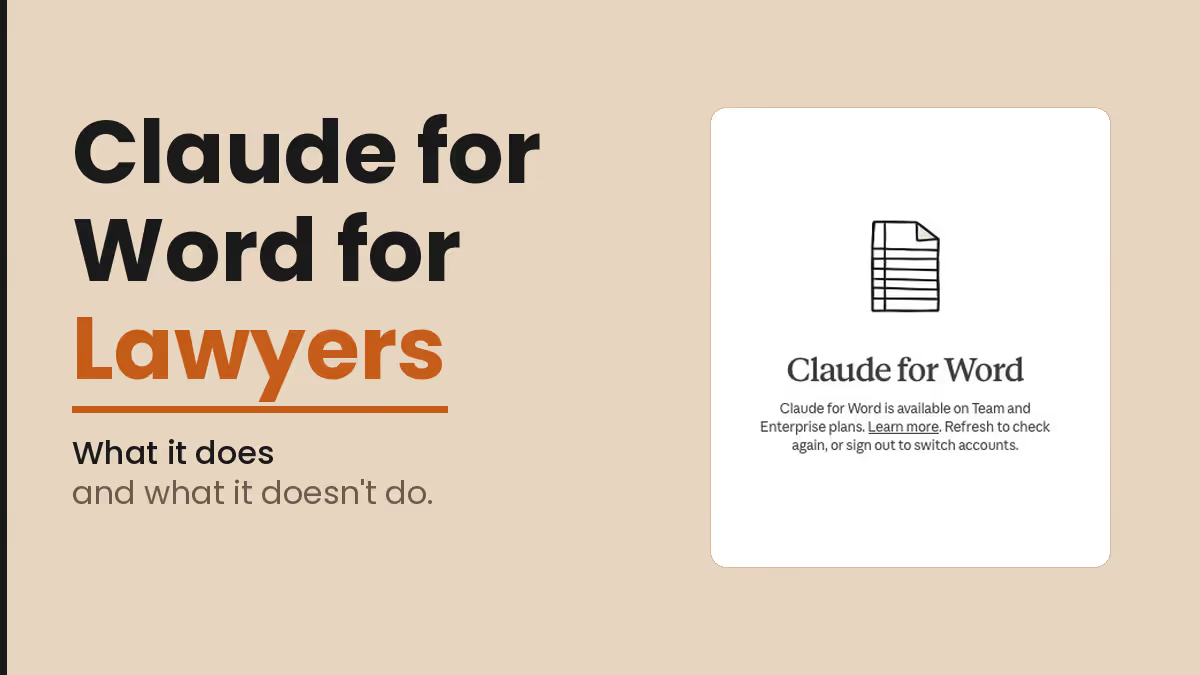
Claude for Word helps with basic document tasks, but lacks the precedent, benchmarking, and safeguards required for reliable legal contract review.
Easy intake and document automation to auto-populate your templates.
Claude for Word is a capable general-purpose AI tool. For legal contract review specifically, it has real gaps that matter. This is what lawyers need to know before adopting it.
The tool launched April 10, 2026. By April 12, its Microsoft AppSource reviews were mostly one star. The most common complaint is that it currently doesn't work with Claude Pro, Claude Max, or any personal subscription. At the moment, it's only available on Team and Enterprise plans.
Claude for Word can be useful for lawyers for basic tasks.
It performs well for document summarization, basic drafting, and formatting tasks inside Microsoft Word. However, it has important limitations for legal use: it lacks access to market data, cannot enforce firm-specific playbooks, has no memory across negotiations, and does not offer zero data retention on standard plans, which means your confidential data may be processed by Anthropic's servers.
Claude for Word is a helpful general-purpose assistant for document work, but it is not a substitute for specialized legal AI tools when accuracy, precedent, and risk management matter. Without zero data retention, inputting client information into Claude for Word may also require informed client consent under Model Rule 1.6 (Confidentiality). This is a risk that ABA Formal Opinion 512 confirms applies to AI tools that retain client data. Purpose-built legal AI tools with standard ZDR agreements eliminate this risk entirely.
Claude for Word is a Microsoft Word add-in launched in public beta on April 10, 2026. It works as a native sidebar inside Word, allowing users to generate and edit text with tracked changes, summarize documents, respond to comments, and assist with drafting and formatting. Unlike browser-based tools, it operates directly within Word documents, similar to a built-in review assistant. It is available to Claude Team and Enterprise subscribers through Microsoft AppSource.
Claude for Word is most useful for low-risk, time-saving tasks.
Document summarization and first-pass review. If you open a 40-page supply agreement and need to orient yourself quickly, Claude can pull out parties, key dates, governing law, and flag provisions that look non-standard. It's faster than reading from scratch. It won't tell you whether those provisions are off-market.
Drafting assistance. Claude can generate clause drafts (force majeure, termination, limitation of liability) and rewrite provisions. Drafts are generic and don't reflect firm standards, prior negotiations, or client-specific risk tolerance. Every draft starts from zero.
Formatting and cleanup. Fixing numbering, cross-references, and document structure. This is where Claude for Word performs best: low-risk, high-efficiency improvements with minimal legal exposure.
Getting AI to summarize a contract is the easy part. Getting it to tell you whether a liability cap is below market for a Series B SaaS deal in California requires real data, not a language model trained on the internet.
No market benchmarking. Claude can identify unusual clauses, but it cannot determine whether terms are above or below market. It doesn't have access to structured deal data. It can flag that a clause looks unusual; it cannot tell you it falls outside market range for comparable deals.
No enforceable playbooks. Claude for Word allows saved prompts but does not allow you to upload existing playbooks or enforce firm-wide standards automatically. A proper playbook applies firm positions proactively, flags deviations before you ask, and works consistently across every matter.
No matter context. Each session starts fresh. Claude for Word has no awareness of prior drafts, no tracking of negotiated changes, and no memory of client preferences across rounds.
Pros
Cons
Claude for Word works well for early-stage document review, internal drafts and brainstorming, formatting and cleanup tasks, and non-critical document work where legal precision is not the primary requirement.
It is not well-suited for high-value contract negotiations, work requiring precedent-based drafting, legal filings requiring verified citations, situations requiring firm-specific standards or playbook enforcement, or matters involving sensitive client data requiring zero data retention.
No. They solve different problems, and for transactional lawyers and legal teams alike, the difference is significant.
Claude for Word is a general-purpose AI assistant that works inside Word. It drafts, summarizes, and edits well. It does not know what market-standard looks like for your deal type, it cannot enforce your firm's playbook, and it has no memory of what was negotiated in prior rounds. Every session starts from zero.
Gavel Exec is purpose-built for contract work. It benchmarks clauses against current market data, enforces firm-specific playbooks automatically, generates redlines under your name in Word's own Track Changes pane, and maintains context across a negotiation. These are not prompt-engineering workarounds. They are structural capabilities that a general-purpose model cannot replicate.
When Claude for Word is the right choice: Summarizing internal documents, formatting and cleanup, brainstorming, and non-client-facing work where legal precision is not the primary requirement.
When Gavel Exec is the right choice: High-value contract negotiations, any work requiring precedent-based drafting or market benchmarking, situations where firm playbooks need to be enforced, and all client-facing matters where confidentiality and a defensible audit trail are required.
For high-stakes legal practice, Gavel Exec is the purpose-built tool. For general document work and administrative tasks, Claude for Word is a capable assistant.
Claude for Word is the clearest illustration of a pattern running across most AI tools lawyers are evaluating right now: strong on surface, thin on the legal layer underneath.
Gavel Exec (and we're not a neutral party here) is what we built specifically for transactional lawyers: precedent-aware drafting, enforced playbooks, negotiation-ready redlines, and market benchmarking, all natively inside Word. Playbooks and benchmarking aren't nice-to-have features. They're where the actual legal risk lives, and they're what general-purpose AI tools structurally cannot provide.
A few others worth knowing about: Harvey is the choice for Am Law 100 firms with large budgets and complex research needs, but it doesn't live in Word. Spellbook is the closest Word-native alternative to Gavel Exec, solid for SMB firms, lighter on precedent and playbook enforcement. GoHeather is worth a look if you're a solo practitioner or small firm that wants to get started without a major commitment.
Claude and legal AI tools solve different problems. For transactional work, the difference matters.
For solo practitioners and small firms looking for basic productivity gains, GoHeather is accessible and purpose-built. For large firms with complex research needs, Harvey operates in a category of its own. For transactional lawyers and in-house teams handling commercial contracts, the tool needs to know your positions, know the market, and work automatically. That's Gavel Exec.
Claude for Word will improve. Anthropic clearly intends to compete in legal. But right now there's a meaningful difference between a general AI that can handle documents and a legal AI that understands the deal. For contract work where the terms actually matter, that difference is the whole thing.
Try Gavel Exec free → · Book a demo →
Does Claude for Word produce tracked changes in Microsoft Word?
Yes. All edits appear as native tracked changes within Microsoft Word, reviewable and rejectable from the revision pane.
Is Claude for Word safe for confidential legal documents?
Not by default. Standard plans do not offer zero data retention. Your document content is sent to Anthropic's servers for processing. Zero data retention options are available on Enterprise plans only. Review Anthropic's privacy policy before processing privileged materials, and anonymize client information when testing any general-purpose AI tool.
Can Claude for Word replace legal AI tools like Gavel Exec?
No. Claude for Word is a general-purpose AI assistant that works inside Word. Gavel Exec is purpose-built for legal contract work. Claude for Word can summarize contracts, rewrite clauses, and clean up formatting, but it cannot benchmark terms against current market data, enforce your firm's playbook automatically, generate redlines under your name in Word's Track Changes, or maintain context across a multi-round negotiation. It also does not offer zero data retention on standard Team plans, meaning client document content is processed by Anthropic's servers. For lawyers handling client-facing work, that raises confidentiality obligations under Model Rule 1.6. Gavel Exec includes zero data retention as standard, enforces firm playbooks automatically, and is built around the full contract workflow.
How much does Claude for Word cost?
Claude for Word is included with Claude Team and Enterprise subscriptions. It is not available on free or individual plans including Claude Pro and Claude Max. Team plans are $30 per user per month billed monthly, or $25 per user per month billed annually, with a minimum of 5 users.
Claude for Word is not working. Why can't I install it?
The most common reason is your subscription. Claude for Word only works with Claude Team and Enterprise plans. It does not work with Claude Pro, Claude Max, or any personal subscription, even paid ones. Several early reviews on the Microsoft AppSource marketplace flagged exactly this: users installed the add-in, couldn't get it to work, and discovered it requires a Team or Enterprise account. If you're a lawyer who wants AI inside Word without a Team plan, Gavel Exec offers a Word-native option that doesn't require an organizational subscription.
Does Claude for Word offer zero data retention?
No, not on standard plans. Claude Team subscribers do not have zero data retention by default, which means document content is processed and may be stored on Anthropic's servers. ZDR options are available on Enterprise plans only, and require a sales-assisted license.
For lawyers handling client-facing contract work, this is a meaningful ethical issue. ABA Formal Opinion 512 confirms that before inputting client information into a generative AI tool that retains data, lawyers must obtain informed client consent under Model Rule 1.6. Using Claude for Word on a standard Team plan with client documents likely triggers that obligation.
Gavel Exec includes zero data retention as standard on all plans, not as an enterprise add-on, which means client data is never stored or used for model training and the Rule 1.6 consent issue does not arise.
After testing it head-to-head against a competitor on the same document, David chose Gavel Exec for the depth and accuracy of its analysis and the curated legal knowledge behind it.

Gavel has been acquired by Relativity, a leading legal data intelligence company.

Omar Nakadi, legal counsel at a regulated financial services firm, uses Gavel Exec to review counterparty redlines, negotiate contracts inside Microsoft Word, and cut contract review time by up to 60%. After trying multiple AI contract platforms, he chose Gavel Exec for its analysis quality, Word-based workflow, and advanced risk-tiered issue spotting.


