Document Automation
Product features
By practice area
By company size
Contract Review
PRODUCT FEATURES
Resources
LearN
Case Studies
Pricing

An assignment for legal tech courses teaching students about document automation.
Gavel Exec reviews, redlines and drafts contracts inside Microsoft Word, checked against your own playbooks. Start with 25 free queries, no credit card required.
The assignment below has been designed for law school legal technology courses teaching students about document automation and creating legal products with legal startup software. After completing this assignment, students will (1) learn the basics of document automation and expert systems; (2) understand how decision-tree workflows work; (3) strategically think about how to organize their legal app, and (4) be able to build a legal intake app or a full-fledged automation app with Gavel's legal workflow software.
Employment Discrimination Assignment
From: Partner
To: Associate
Re: Limited Coverage for Plaintiff-Side Employment Cases
Dear Associate,
I am about to head to trial, and I know you're taking 2 weeks off for the holidays. The year-end is a busy time for our firm because many employers are laying off or terminating staff. We want to make sure that our firm is available to anyone who is being illegally terminated. So I've come up with a solution: we're going to use document automation to handle our intake while we're away. The goals are to:
To do this, I want you to build a workflow on Documate (now Gavel) that captures the following information:
Please do your research on California employment discrimination claims under the California Fair Employment and Housing Act before building your workflow.
Please send me the link to the workflow when it's ready.
Want a deeper dive into these topics? Check out our law firm document automation guide here.

AI contract review software pricing for 17 tools, checked on vendor sites October 30, 2026, with billing, trials and 1-, 5- and 20-lawyer totals.
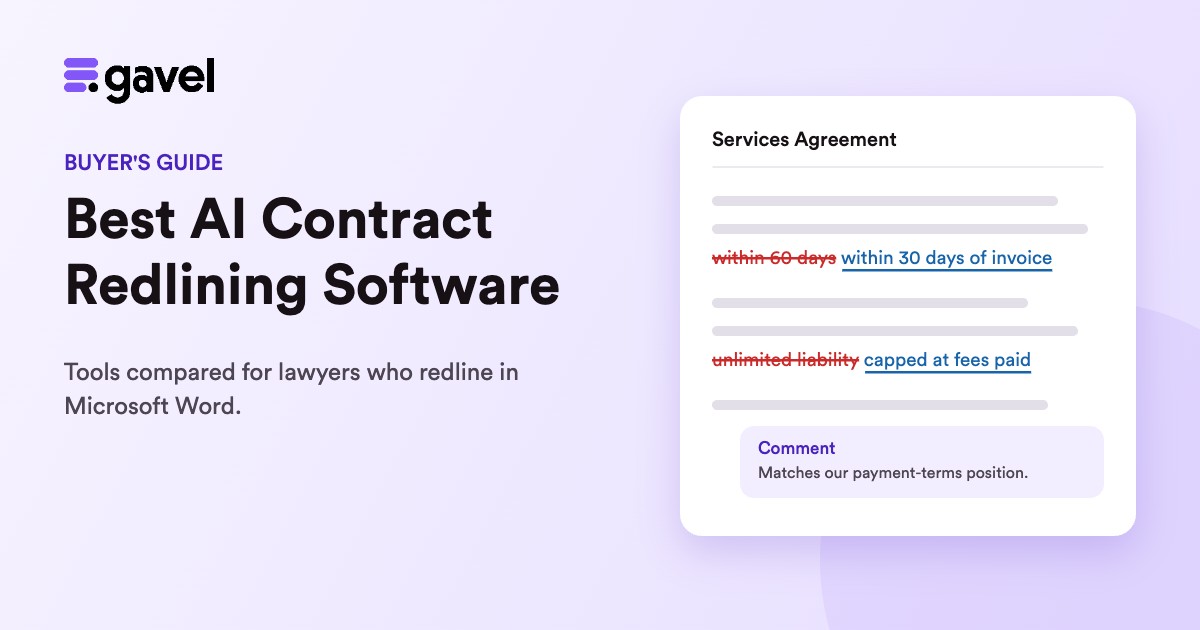
The best AI contract redlining software for lawyers, compared on Word tracked changes, playbooks, explanations and published prices.
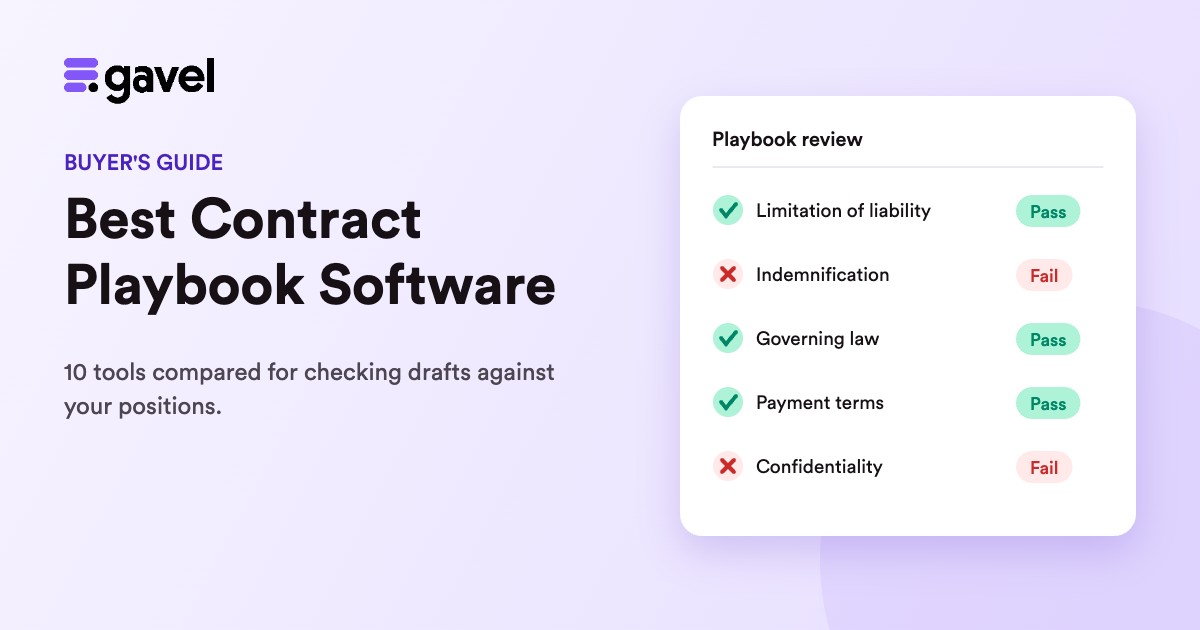
The best contract playbook software compared: where each tool runs, how it builds playbooks, how it reports results and what it costs.


