Document Automation
Product features
By practice area
By company size
Contract Review
PRODUCT FEATURES
Resources
LearN
Case Studies
Pricing
HotDocs and Gavel Workflows both automate legal documents. HotDocs is an enterprise platform built for complex deployments, while Gavel Workflows is a no-code solution for law firms with native integrations and pricing starting at $83/month.
Firms that want document automation without a technical implementation choose Gavel Workflows for its no-code setup, client intake, and modern integrations, while HotDocs suits high-volume enterprise deployments that can absorb the complexity.
HotDocs

HotDocs is an enterprise document automation platform that uses rules-based logic to generate documents at scale. It serves legal and enterprise teams and typically requires technical expertise to build and maintain templates.
Gavel Workflows
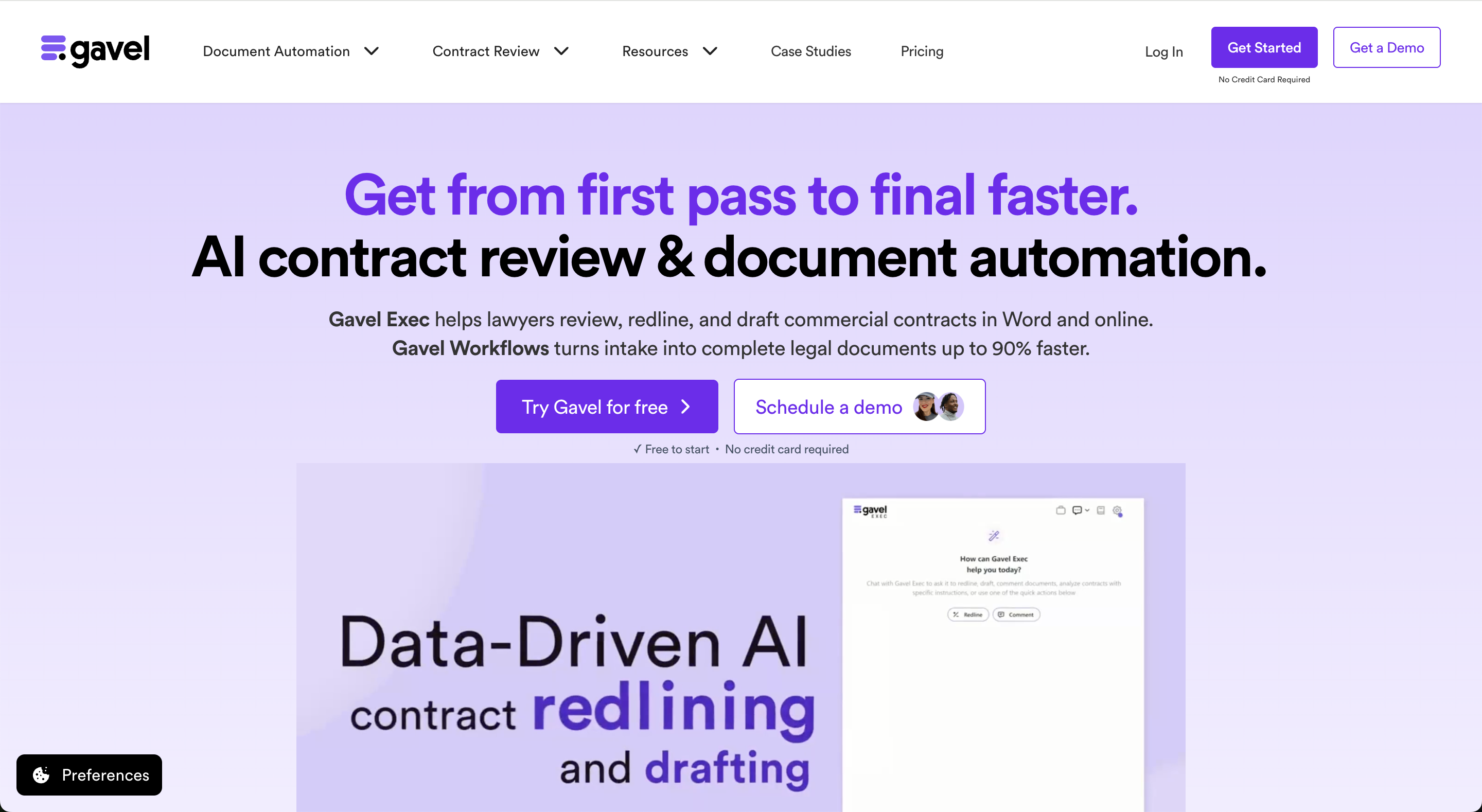
Gavel Workflows is legal document automation software for law firms. It automates Word and PDF documents using client intake, questionnaires, and advanced workflow logic.
Firms can automate their own templates or start with Gavel's attorney-reviewed legal template library. Pricing starts at $83 per month with a free trial available.
law firms should know that it is an enterprise document automation platform that uses rules-based logic and guided interviews to generate documents at scale, with a Windows Word add-in and a browser-based cloud version. It typically requires technical expertise to build and maintain templates. Pricing is not publicly listed and requires contacting the vendor, with no free trial.
Gavel Workflows is legal document automation software for law firms. It turns client intake answers into finished Word and PDF documents, and combines client intake forms, conditional-logic document generation, a legal template library, e-signature, payments, and workflow automation in one no-code platform, with integrations including Clio. It is self-serve with a free trial and no required implementation engagement. Gavel was founded by CEO Dorna Moini, a former Sidley Austin litigator, to give firms automation they build and maintain themselves.
HotDocs is built for enterprise document automation. Gavel Workflows offers a simpler, no-code approach with client intake, legal-tech integrations, and pricing starting at $83/month.
| Feature | HotDocs | Gavel Workflows |
|---|---|---|
| Price | ✗ Pricing not publicly listed; contact vendor | ✓ From $83/mo, no minimum seats |
| Billing | ✗ Contact vendor; not publicly listed | ✓ Monthly or annual, cancel anytime |
| Free Trial | ✗ No free trial; demo required | ✓ 7-day free trial, no credit card |
| Features | ✓ Rules-based conditional logic, guided interviews, batch document generation | ✓ Word + PDF document automation |
| Templates | ✓ Template library via HotDocs Market; custom templates require technical setup or implementation partner | ✓ Legal template library (Pro), custom templates |
| Output | ✓ MS Word add-in (Windows only for desktop; cloud version is browser-based) | ✓ Generates Word documents and PDFs |
| Support | ✓ Email, phone, live rep per Capterra; reviewers describe inconsistent support quality | ✓ Email, phone, screen share; priority support (Pro) |
Gavel Workflows uses a no-code interface designed for attorneys and legal staff. HotDocs is a more technical platform that often requires specialized expertise to build and maintain templates.
Gavel Workflows includes a client intake portal that routes responses directly into document workflows. HotDocs focuses on internal document automation.
Gavel Workflows integrates with Clio, Docusign, and Zapier. HotDocs offers enterprise integration options through its API.
Both platforms support conditional logic and advanced document automation. HotDocs is designed for large-scale enterprise deployments, while Gavel Workflows prioritizes ease of use and faster implementation for law firms.
HotDocs is rated 4.1/5 on Capterra (59 reviews) and 3.9/5 on Lawyerist. Common feedback highlights powerful automation capabilities alongside a steep learning curve and higher implementation costs.
HotDocs is rated 4.1/5 on Capterra and 3.9/5 on Lawyerist. Common feedback highlights powerful automation alongside a steeper learning curve.
Gavel Workflows is rated 4.7/5 on Lawyerist. Users frequently cite ease of use, fast implementation, and strong legal-tech integrations.
We were able to do an entire estate plan in 30 minutes. I was running around the office telling everyone about how magical Gavel is.
Jessica Streeter, Partner at Streeter Law Firm
Many firms choose Gavel Workflows for easier template management, modern law firm integrations, and faster implementation. A free trial makes it easy to test a workflow before committing.
Gavel Workflows is modern, no-code legal document automation with client intake, e-signature, payments, and workflows, without enterprise complexity. Start a free trial, no credit card required.
Gavel Workflows is an ideal alternative for firms that want no-code document automation, client intake, and template control without relying on technical staff.
HotDocs does not publicly list pricing. Gavel Workflows starts at $83/month and offers a free trial.
No. HotDocs requires a demo before access. Gavel Workflows offers a free trial.
No. Gavel Workflows includes a client intake portal that routes responses directly into document workflows.
HotDocs is designed for enterprise document automation. Gavel Workflows is built specifically for law firms.
HotDocs supports enterprise integrations through its API. Gavel Workflows includes native integrations with Clio, Zapier, and Docusign.
HotDocs requires a demo and implementation process. Gavel Workflows offers self-serve access and same-day setup.
HotDocs templates must be rebuilt in Gavel Workflows, but firms can automate existing Word templates without coding.
This comparison uses publicly available product, pricing, and review information. Features, pricing, and access terms may change, so buyers should verify current details directly with each vendor.
Set up no-code document automation and client intake with Gavel Workflows. Start free, no credit card required.


